 ITBLogs.Info
[Xamarin] Error: No xmlns declaration for prefix "local"
I got an error when I built my application. The error said 'No xmlns declaration for prefix "local". Because I used the xaml, I found the compiler did not check the error in xaml file. As a result, it got the runtime error like. This is very easy to solve. Please search all xaml files you used local has this xmlns:local="clr-namespace:[your namespace]"
Google Phone - Pixel
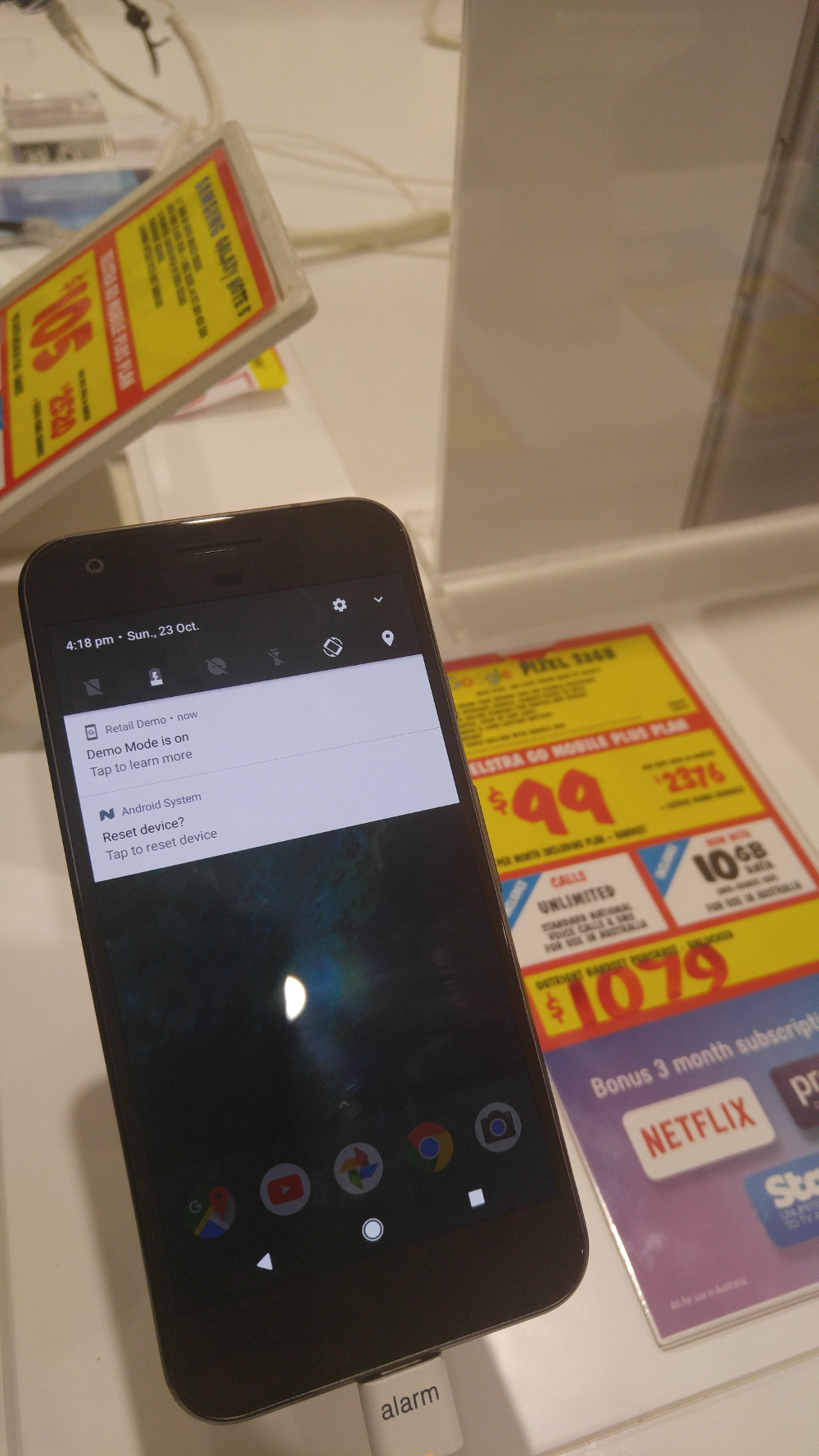
Last week, I saw there is a real phone of Google Pixel in JB HiFi. That is the first phone calls "Made By Google." Officially, there is a first real Google Pixel, but HTC builds that.
Although JB HiFi got a real phone and allowed the customers to try it, a few customers were waiting to try that phone too. So, I can have one or two minutes to play. Firstly, the AMOLED screen is very very sharp. I love it, and the phone with Android 7.0 is very fast and smooth. Also, the phone is light too and looks beautiful. However, my wife said that looks iPhone 7. In general, that is not bad.Unfortunately, I need a dual sim phone, because I need to travel oversea a bit.
Angular 2 is not Server Side Technology.
Yesterday, I went to Angular hackday in Brisbane.That is very good and informative. I learned a lot. However, a lot of people asked how do I bind the data object to an angular page. I think that is a good question. I asked myself before; we can do similar action in asp.net MVC. Angular 2 required being compiled into a package to be browser It looks more similar to a server script that a javascript framework.
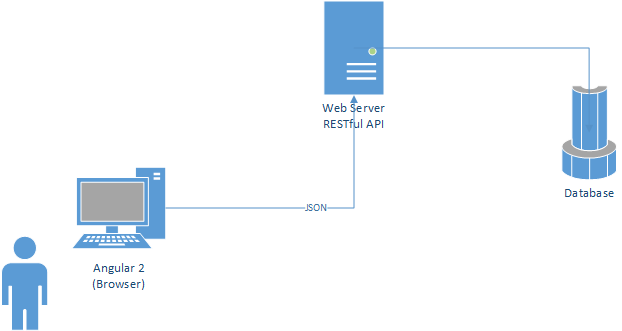
Angular 2 is an MVVM framework. It only deals with ViewModel. This design is completely separated to be view logic from the server, put them in the browser. The application logic is in the service layer where connects to database. Angular two will run on Browser. Between those two layers will communicate by JSON. The architecture showed in the diagram.
You need to learn native mobile application development
I love Xamarin, which a cross platforms mobile development framework. I can use C# to build apps for iOS, Android, and Windows. However, it doesn't mean I can get away from learning Android and iOS development. Using Xamarin is not always the best option. If we know the native platform, that should be more flexible. For example, an app only planned in running for a single platform, that may be a better choice to be built in native or if the app is too complex or memory critical, I suggest that should be constructed in native. That is a better way to utilize the resources.
[Xamarin] Error: AppData\Local\Xamarin\[packages]\[version]\class.jar missing
After I had installed a new component in my Xamarin project, I got an error like that: C:\Users\[username]\ AppData\Local\Xamarin\[packages]\[version]\class.jar missing.
I found the problems are caused the downloading packages are failed before. The Xamarin is not smart enough to re-download automatic.
The solution is simply. I only need to delete all zip files under Error: C:\Users\[username]\AppData\Local\Xamarin\zips and the package folder in the error message. Then I need to rebuild the project. The packages will be download again. The project will build successfully.