ITBLogs.Info
Android Studio 1.0 is released
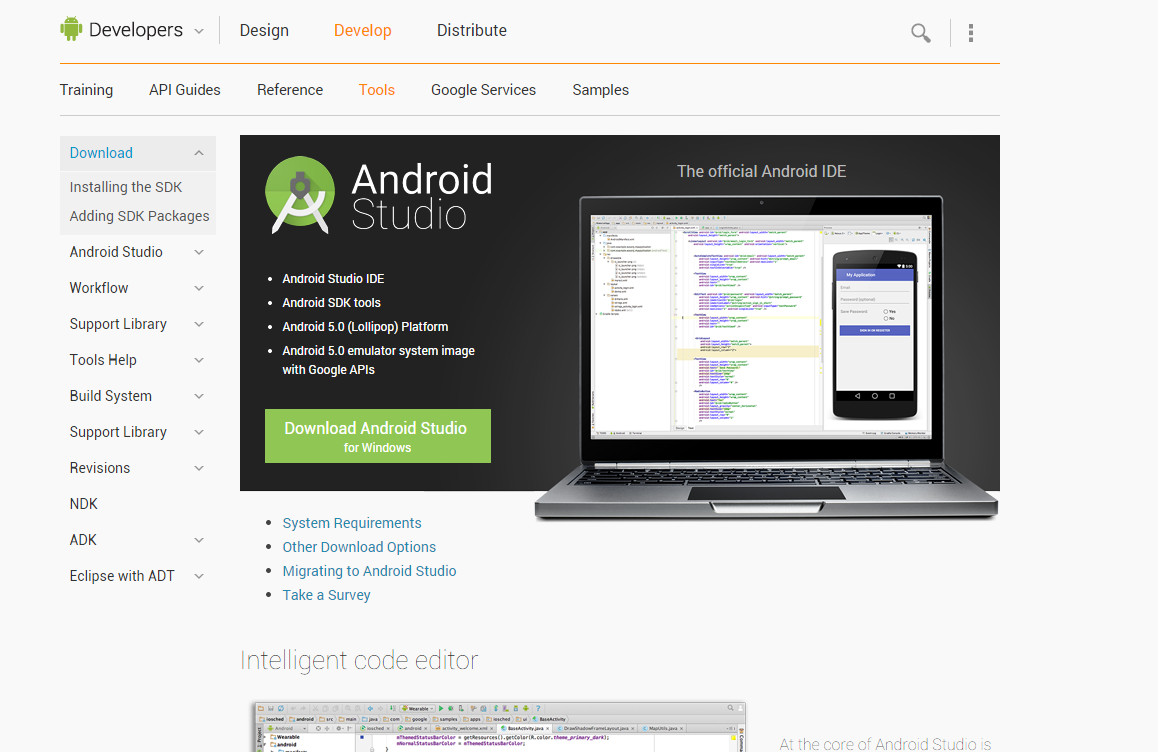
Android Studio 1.0 is released after long period of beta. Although I am very happy about pre-release version, that is so good to have a final version. Finally, we have an IDE design for Android Developers!
How to make read only text field in xcode
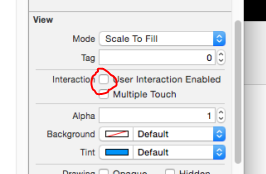
I spent about half hour to find a read-only property for Text field in xcode. There is no such function. Should I modify text change event to reject any user typing? Actually, the most proper way is to uncheck user interaction enabled under the properties window for that text field.
If you need to do it programmatically, please following this example:
Code
self.text1.userInteractionEnabled |
Java Problem on OSX Yosemite
I tried to run my Android Studion in Mac after I upgarded to OSX to Yosemite. I got this error message: To open 'this Java application' you need to install the legacy Java SE 6 runtime." Even I installed java sdk, that is not working. To overcome this issue, I installed java for OSX, please follow this link,http://support.apple.com/kb/dl1572. That will works!
Operand for NSDecimalNumber
When I started to learn Objective C, that is hard to understand the NSDecimalNumber. I am C# and Java Programmer, in these languages, we used the primitive, such as integer and long, I can just use - and + as operand. However, in IOS, the most of situations, we are using NSDecimalNumber. That is an object. So, you cannot use + and -. If you write this, it will cause error:
Code
NSDecimalNumber *percent = self.tiprecord.tip/ self.tiprecord.total |
You should use such operands:
decimalNumberByAdding = +
decimalNumberBySubtracting = -
decimalNumberByMultiplyingBy = *
decimalNumberByDividingBy = /
For Example:
Code
NSDecimalNumber *percent = [self.tiprecord.tip decimalNumberByDividingBy: self.tiprecord.total ] |
Omni ROM in Galaxy S3
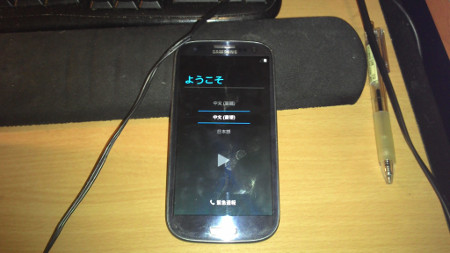
My Galaxy S3 is aging now. That is running Android 4.1 which is quite old. I flashed my phone with a new ROM. I chose OmniRom. That is very lightweighted and simple.
1.I turned off the phone, and then Press Power+Home+ Volume Down to enter a download mode.
2. I used Odin3 to flash the CF-Auto Root image, making the phone to be rooted. You can find those instructions in xda forum.
3. I used ClockwiseMod to flash OmiRom rom.
That is easy.
I got a "new" phone with Android 4.4!
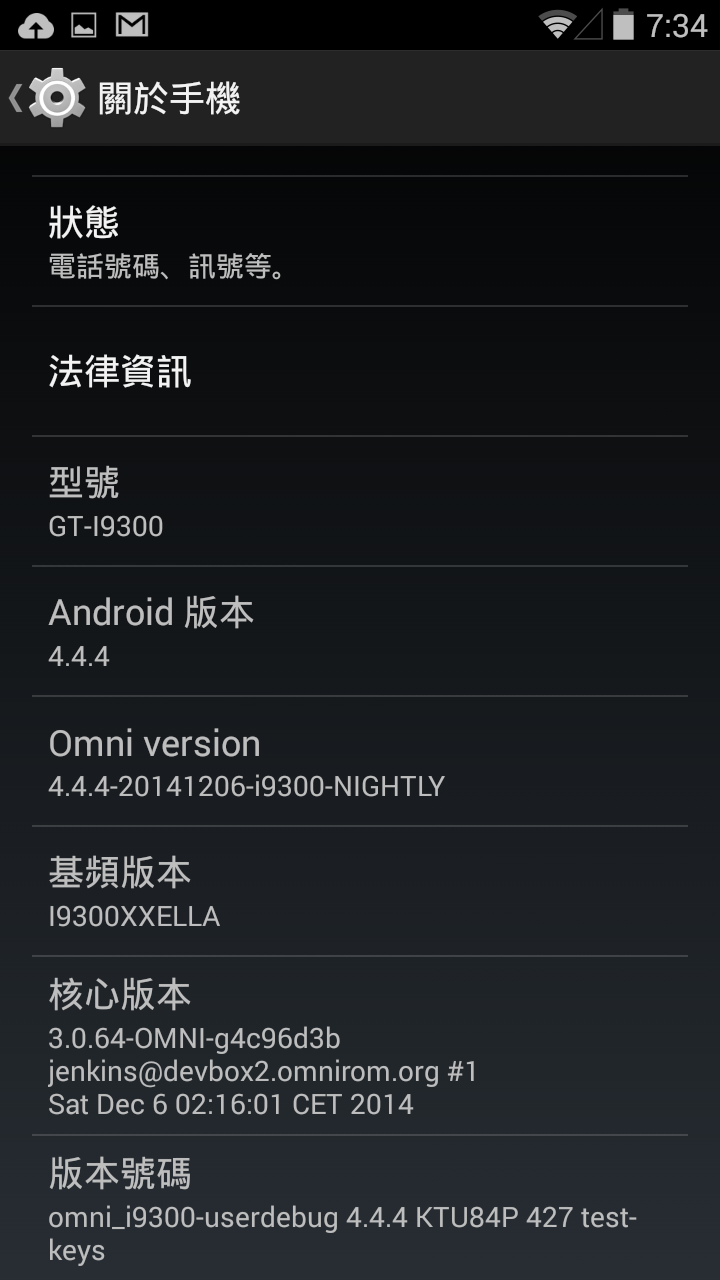
I found the UI is basic and clean. Also, that is very smooth! The most important is the batter life improved a lot!